
Chrome DevTools MCP
AI & MCPLets your coding agent open Chrome, read the CSS cascade for any element and test media features.
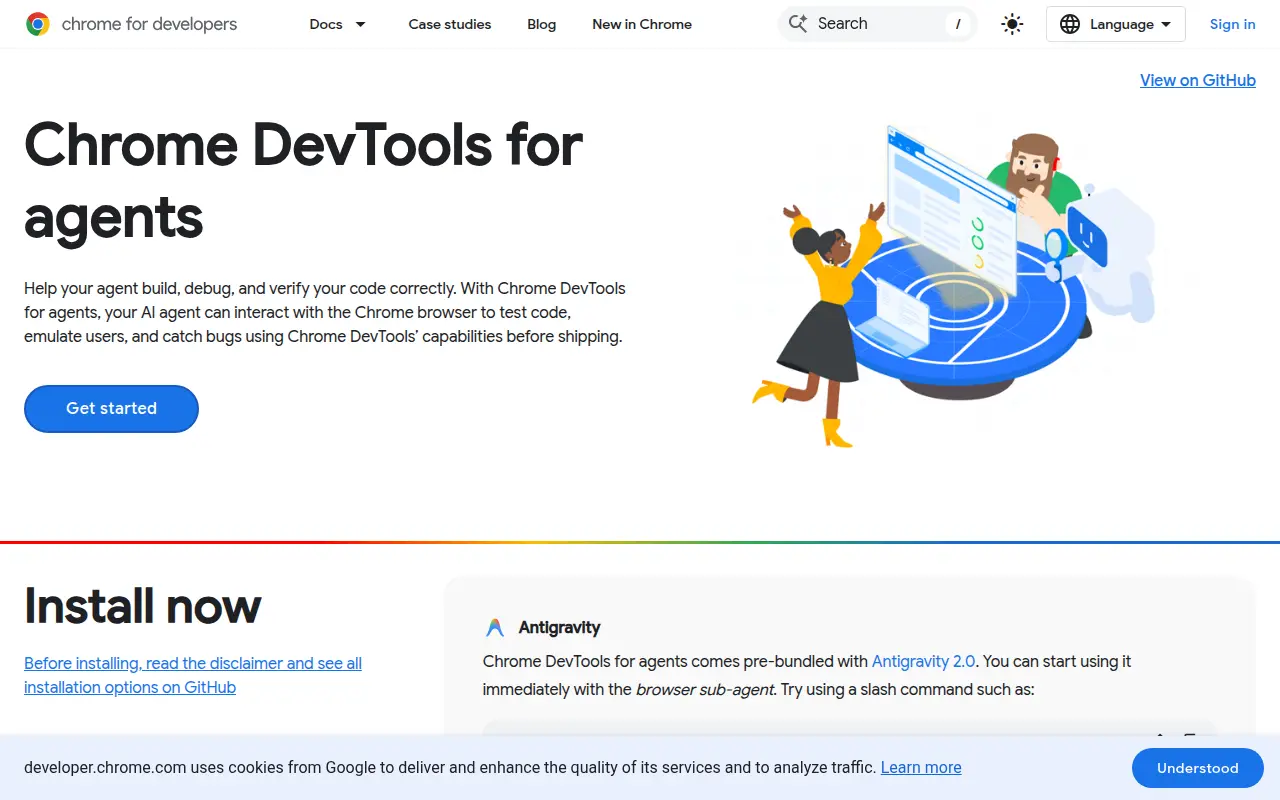
Chrome DevTools MCP lets coding agents such as Claude, Cursor or Copilot control and inspect a live Chrome browser. It runs as an MCP server and also ships as a CLI.
For CSS work the key tool is get_css_styles. It returns the matched rules, inline styles, inherited styles and custom properties for an element, plus the @layer, @media, @container and @scope blocks they sit in. Rules come in cascade order with source line numbers, and losing declarations are marked as overridden. The emulate tool sets the viewport, dark or light mode, forced-colors, prefers-contrast and prefers-reduced-motion. There are also screenshot, Lighthouse audit and performance trace tools.
Add it to your MCP client with the command npx -y chrome-devtools-mcp@latest. It needs Node.js LTS and current Chrome. Google collects usage statistics by default. Turn this off with --no-usage-statistics.
Good for
- Finding which rule wins and why
- Checking dark mode and reduced motion styles
- Testing layouts at different viewport sizes
- Screenshotting a page after a CSS change
mcpaidevtoolschromedebugging
More AI and MCP tools
See all →Dembrandt
AI & MCPExtracts a website's colours, type, spacing and CSS variables as design tokens, from the CLI or an MCP server.- Stars
- 3,945
- Last commit
- 6 days ago
- Licence
- MIT
CSS MCP Server
AI & MCPGives agents MDN CSS docs and compatibility data, and analyses your stylesheets for complexity and patterns.- Stars
- 338
- Last commit
- 1 year ago
- Licence
- ISC
Baseline MCP Server
AI & MCPTells your agent the Baseline status and browser support of web features, using Web Platform Dashboard data.- Stars
- 37
- Last commit
- 12 days ago
- Licence
- MIT


