
AI assistance in Chrome DevTools
AI & MCPA Gemini chat panel in DevTools that explains an element's styles and helps fix layout bugs.
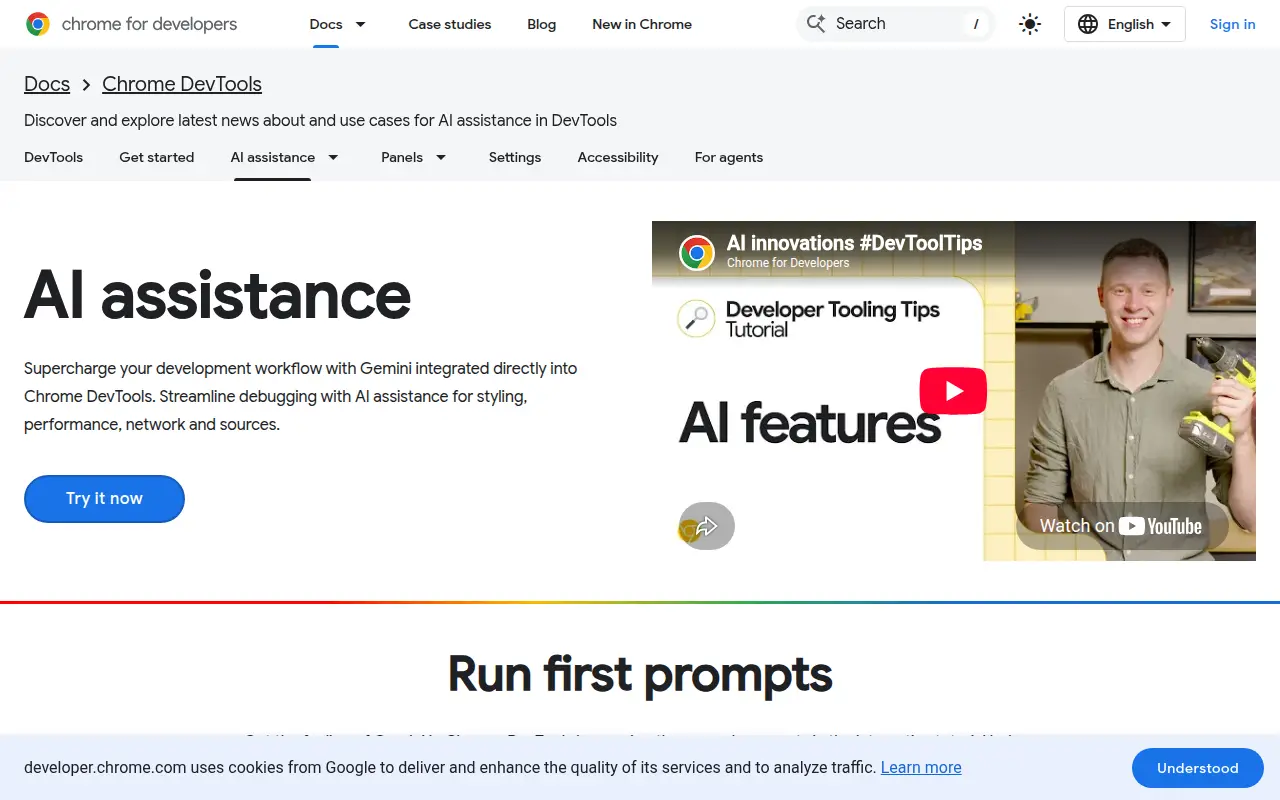
AI assistance is a panel inside Chrome DevTools, powered by Gemini. Google marks it as experimental. It is off by default, and you turn it on in Settings > AI assistance.
For CSS, it gives a detailed explanation of an element's styles and helps fix layout and styling bugs. You can start from the Elements panel with the Debug with AI button next to an element.
Changes it suggests are applied inside DevTools, and you can review them in the Changes panel. To save them to your source files, connect a workspace folder and use Apply to workspace.
Good for
- Asking why an element is laid out wrongly
- Getting an explanation of the styles on an element
- Trying a CSS fix live before saving it
aidevtoolschromedebugging
More AI and MCP tools
See all →Dembrandt
AI & MCPExtracts a website's colours, type, spacing and CSS variables as design tokens, from the CLI or an MCP server.- Stars
- 3,945
- Last commit
- 6 days ago
- Licence
- MIT
CSS MCP Server
AI & MCPGives agents MDN CSS docs and compatibility data, and analyses your stylesheets for complexity and patterns.- Stars
- 338
- Last commit
- 1 year ago
- Licence
- ISC
Baseline MCP Server
AI & MCPTells your agent the Baseline status and browser support of web features, using Web Platform Dashboard data.- Stars
- 37
- Last commit
- 12 days ago
- Licence
- MIT


